CaseWare Audit System Template Pre-training Checklist
What is this FAQ for?
CaseWare Audit System Template Essentials
This FAQ is for performing your pre-training software, template and training file checks to make sure everything is in working order before your CaseWare training course.
All training is conducted with the latest software and template versions available.
If you are unsure about any advice within this FAQ, contact the support team via telephone (03) 9660 4688 or email support.au@caseware.com
Please note - If your firm uses an older version of CaseWare Working Papers, it is important that you do not access any files actively being worked on using CaseWare 2023. This will prevent colleagues on an older version of Working Papers from accessing the files.
CaseWare Audit System Template Essentials
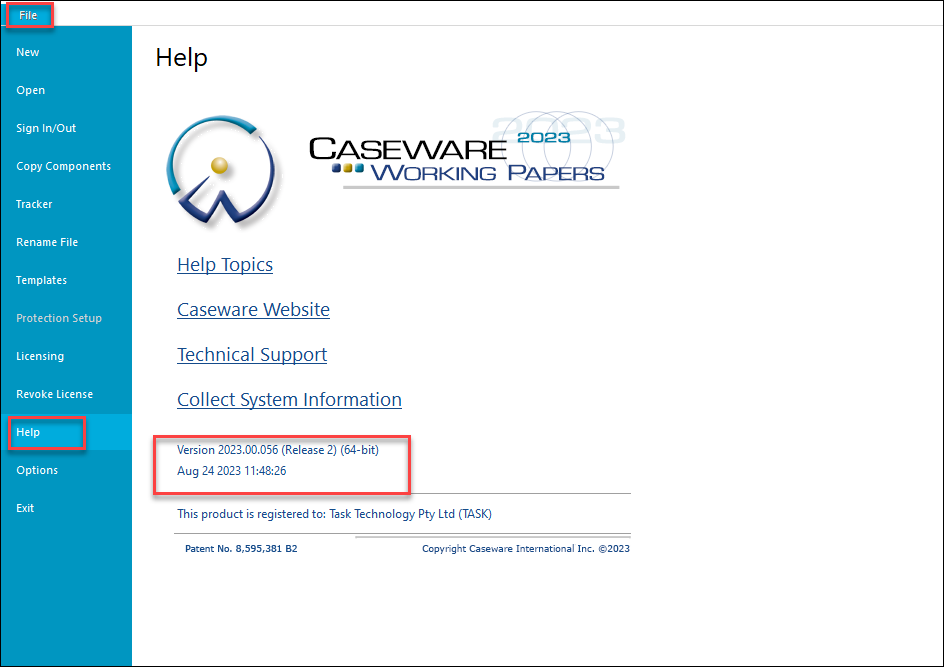
To check that CaseWare Working Papers 2023 has installed, open CaseWare and click File > Help
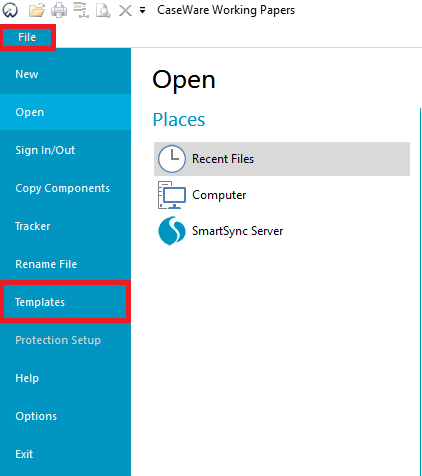
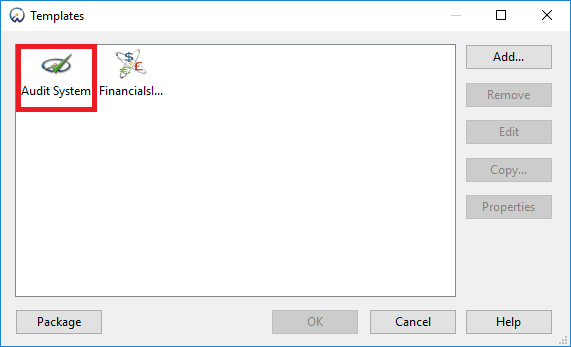
To check that the Audit System template is installed, click File > Templates - check to see that "Audit System" is in the window containing all installed templates.
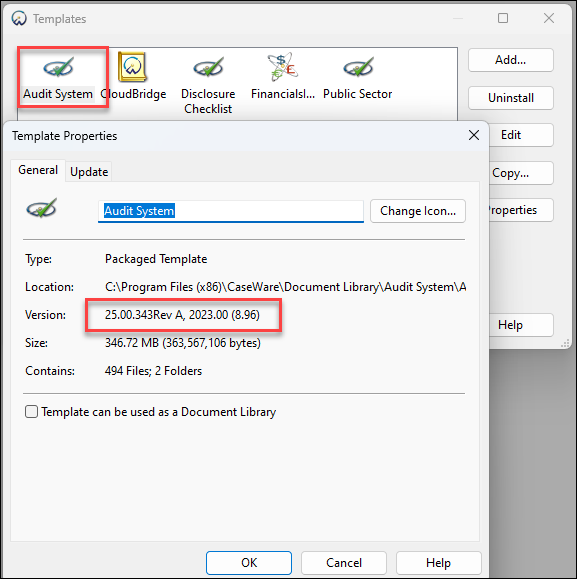
To check that the Audit System template version 25 is installed, right click Audit System > Properties
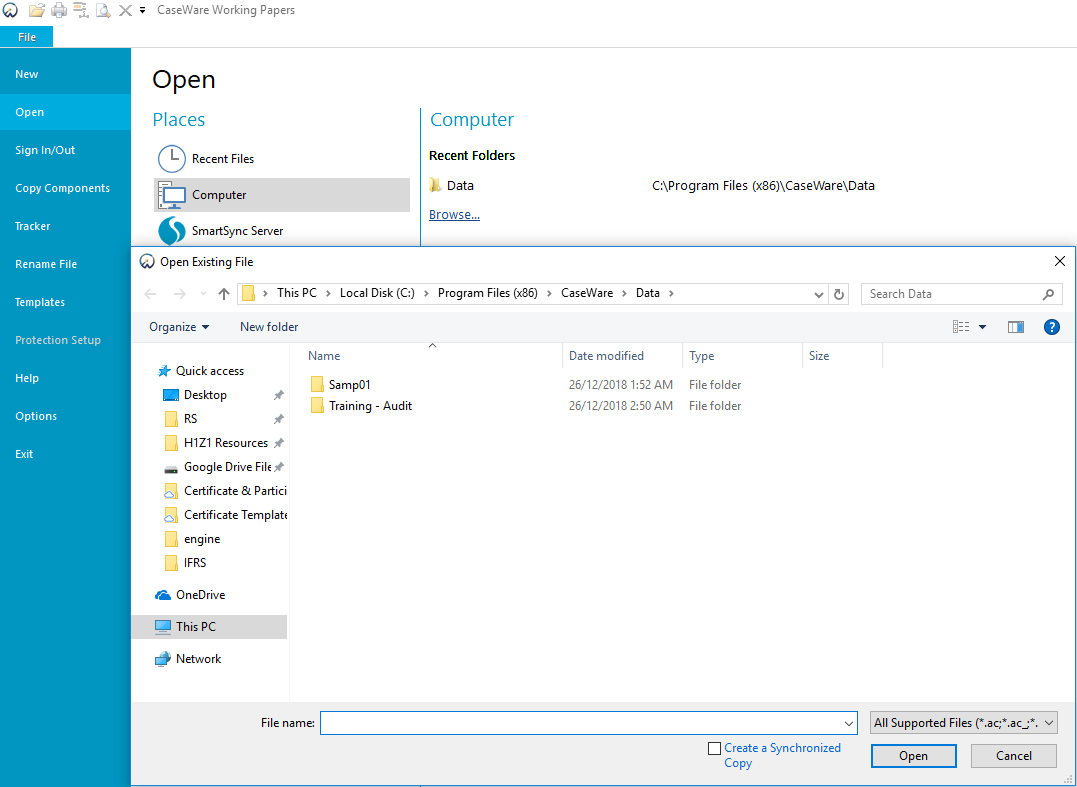
To check that the training files are installed click File > Open > Computer > Browse - You should see the folder "Training - Audit".