How do I link a query to a checklist procedure?
To
improve documentation consistency and efficiency in SMSF Audit engagement
files, questions and requests in in Query documents can now be linked to
specific procedures in checklists as follows:
1. Enter a
question or request in a Query document
2. In Edit
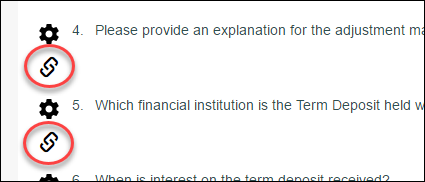
mode, click the Link to Procedure button, located below the
Procedure Settings button
3. Select
the Checklist and then the Procedure in the ‘Link to
Checklist’ dialog box, then click Save
Once
you have performed these steps, an area will be activated below the procedure,
where both your question/request, and your Contact’s response will appear:
This area will remain visible as long as the Query document is in the file, or until the link is removed.