Replace external documents in Agile Audit
You can replace external documents, such as PDFs, Word files and Excel files, that you have previously uploaded to the engagement.

Note: Document versioning is not supported (no version history is retained).
To replace an external document:
1. From the top menu, select Documents.
2. Go to the document you want to replace.
3. To replace the file, you can:
Drag and drop the new file from your computer onto the old file.
Use the More actions (
 ) menu to upload the file.
Select More actions (
) | Replace.Select the file to be uploaded, then select Open.
4. Select whether to remove pre-existing signoffs or retain them.
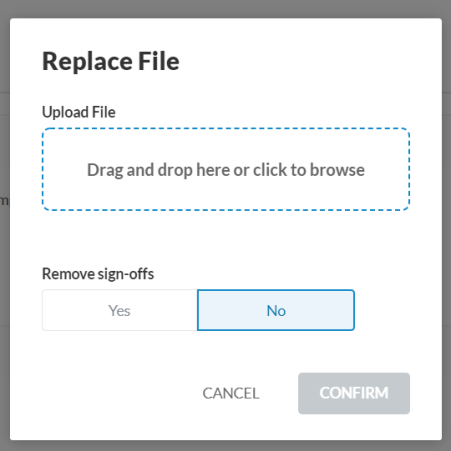
5. Select CONFIRM.